




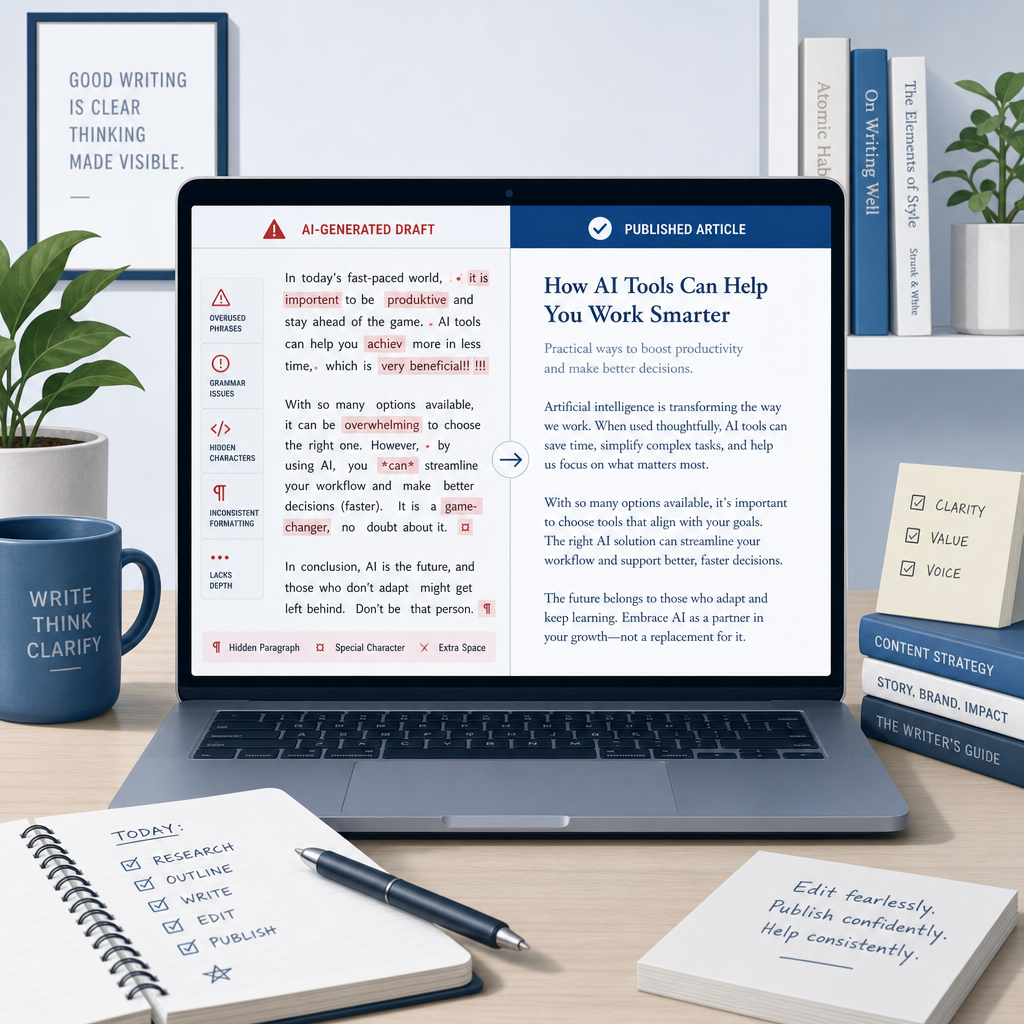
Most bloggers using AI do the same thing: generate a draft, skim it, and paste it into WordPress. That's the mistake.
Raw AI output isn't just imperfect writing. It carries invisible Unicode artifacts, hidden watermark characters, em dashes on every other line, and sentence patterns so predictable an AI detector flags them in seconds. Paste that into your CMS and you're publishing something that looks unfinished to readers and suspicious to search engines.
This guide walks through the exact cleanup sequence, step by step, tool by tool, so your AI drafts actually read like something worth publishing.
Why Raw AI Drafts Need Cleaning Before They Go Live
There are two separate problems that most cleanup guides collapse into one. They're not the same thing and they need different fixes.
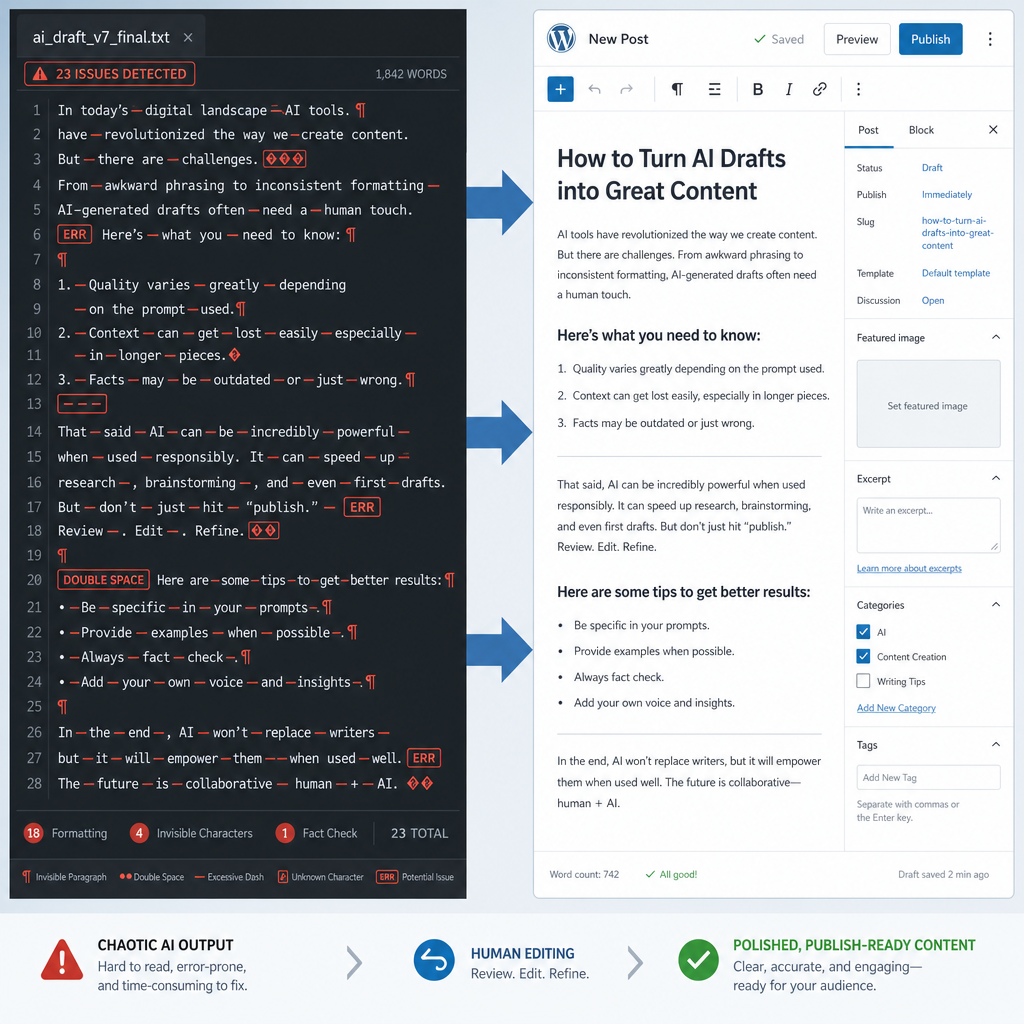
The first is technical: invisible characters that your CMS can't handle. ChatGPT and other models produce zero-width spaces, non-breaking spaces, and formatting metadata baked into the text. You can't see them in a Google Doc, but they show up as broken layouts, extra line spacing, and analytics misfires once published.
The second is editorial: AI phrasing that reads as AI phrasing. Uniform sentence length. Overuse of em dashes. Transitions like 'Furthermore' and 'It's worth noting.' A reader might not consciously identify it, but they feel it… and they leave.
Fixing both requires a specific order of operations. Do the editing pass first and you'll corrupt your clean formatting. Do the formatting pass last and invisible characters survive into the published post. The sequence below gets both right.
Step 1: Strip Invisible Characters and Formatting Noise
Before you touch the writing, remove everything hidden.
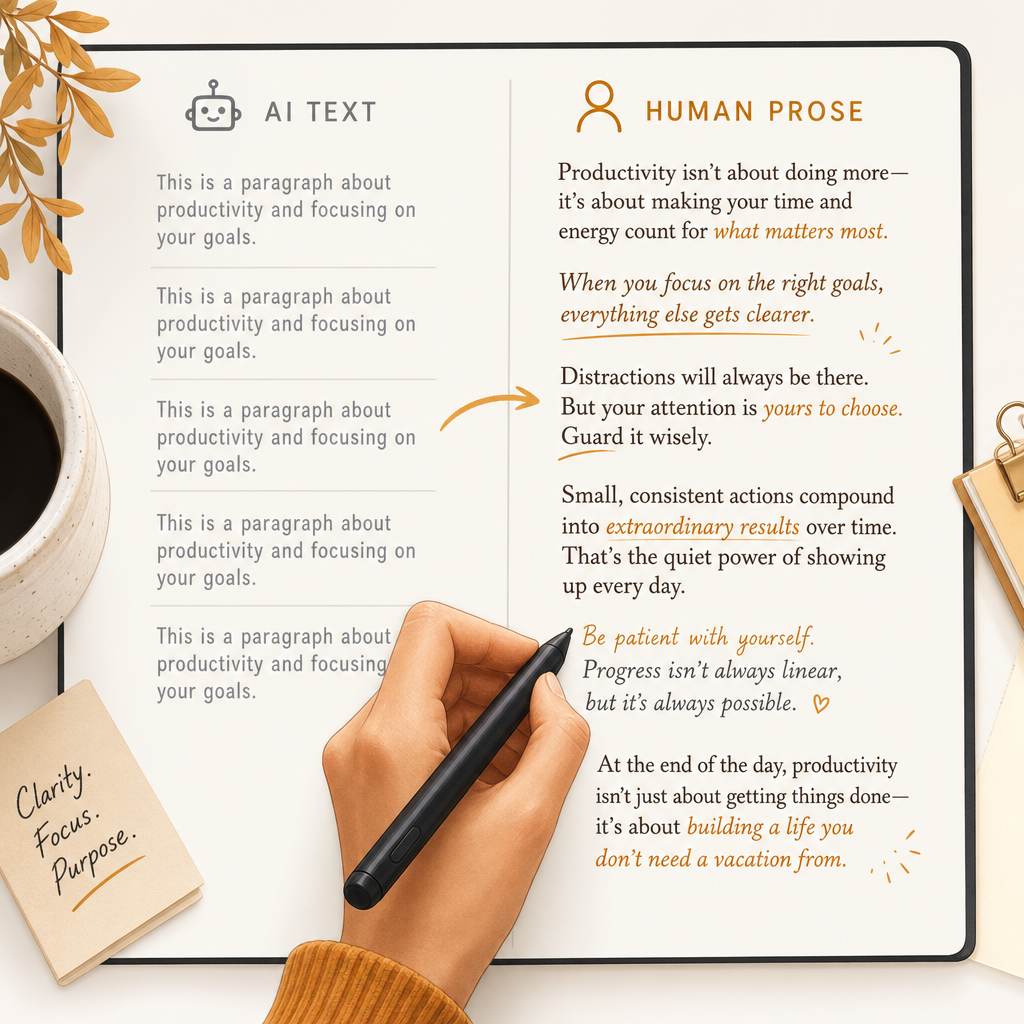
When you copy AI output from ChatGPT, Claude, or Gemini into a document editor, the text brings invisible luggage: zero-width spaces inserted between words, non-breaking spaces that prevent natural line wrapping, and Unicode characters that look normal but aren't standard ASCII. Your CMS will either strip them unpredictably or publish them as rendering bugs.
- Invisible Character Detector: Scans your draft for hidden Unicode characters and flags exactly where they are. Run this first, before any other cleanup step.
- Space Remover: Fixes double spaces, non-breaking spaces, and irregular whitespace in one pass. Pair it with the Invisible Character Detector for complete formatting cleanup.
- Remove Line Breaks: Cleans up erratic line break patterns that appear when AI output is pasted between editors. Essential for anyone working across Google Docs, Notion, and a CMS.
- Chat Watermark Remover: Removes the invisible marker characters that ChatGPT embeds in its output. Run after the Invisible Character Detector for a complete first pass.
- Text Cleaner: Standardizes punctuation, quote styles, and structural formatting inconsistencies that survive basic copy-paste cleanup.
- Em Dash Remover: Strips the em dash overuse that signals AI authorship. A single pass removes the most obvious tell in AI-generated drafts.
Step 2: Fix the Writing. Humanize Tone and Flow
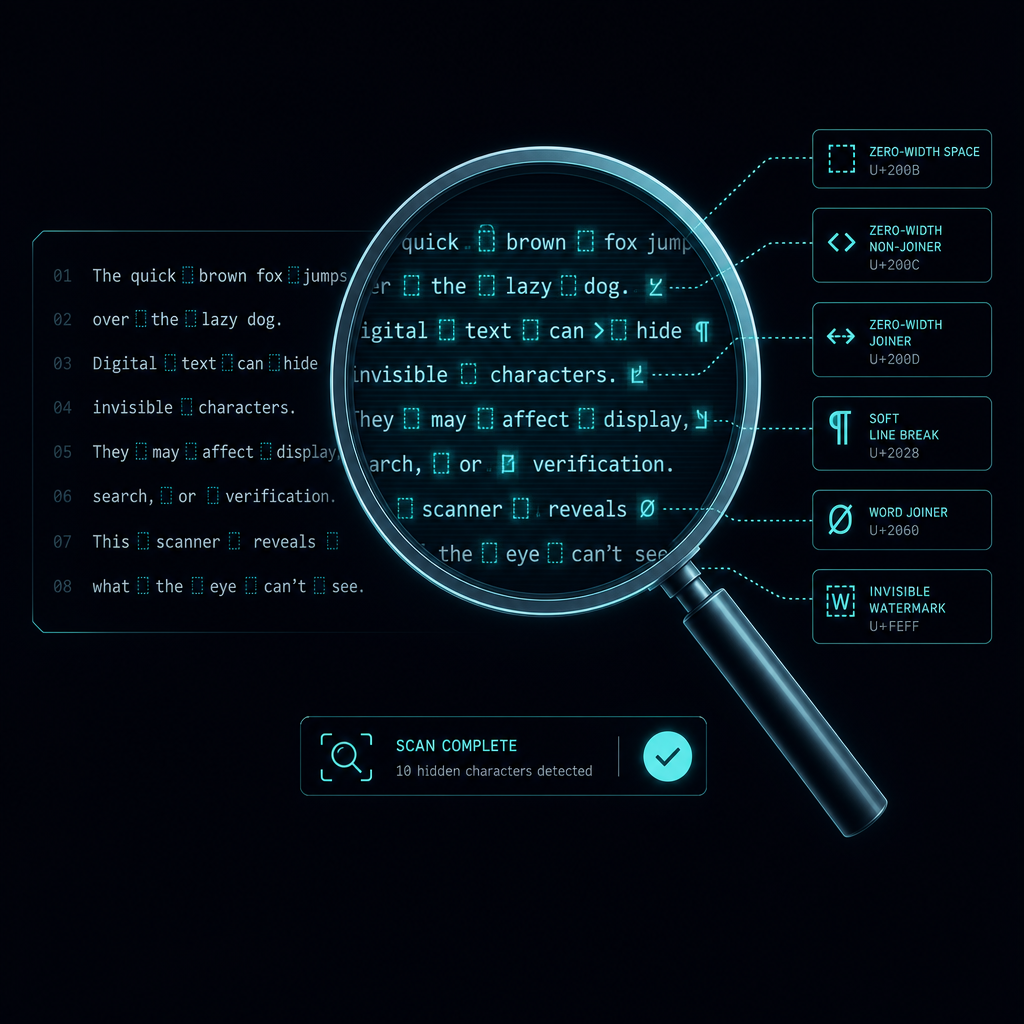
With the technical layer clean, the editorial work begins. This is where you fix what actually makes AI drafts feel robotic: flat sentence rhythm, generic transitions, and phrasing that hedges everything.
You're not rewriting from scratch. You're identifying the sections that read like a FAQ bot and giving them a real voice.
- Humanize AI: The core humanization tool. Adjusts tone, sentence variety, and phrasing patterns so the content reads naturally. This is where most of the editorial lift happens.
- Humanize AI GPT: The GPT version of the humanizer. It’s useful for targeted sections where specific paragraphs need a deeper rewrite pass.
- Rewrite AI: For structurally weak sections. Best to use when the argument loses coherence or the paragraph order doesn't land. Goes deeper than tone fixes.
A note on this step: don't try to make the entire draft sound perfect. Focus on the intro (readers decide in the first 100 words whether to continue), any section that has three or more consecutive sentences of the same length, and the conclusion (where AI writing almost always collapses into a generic summary).
Step 3: Run an AI Detection Check
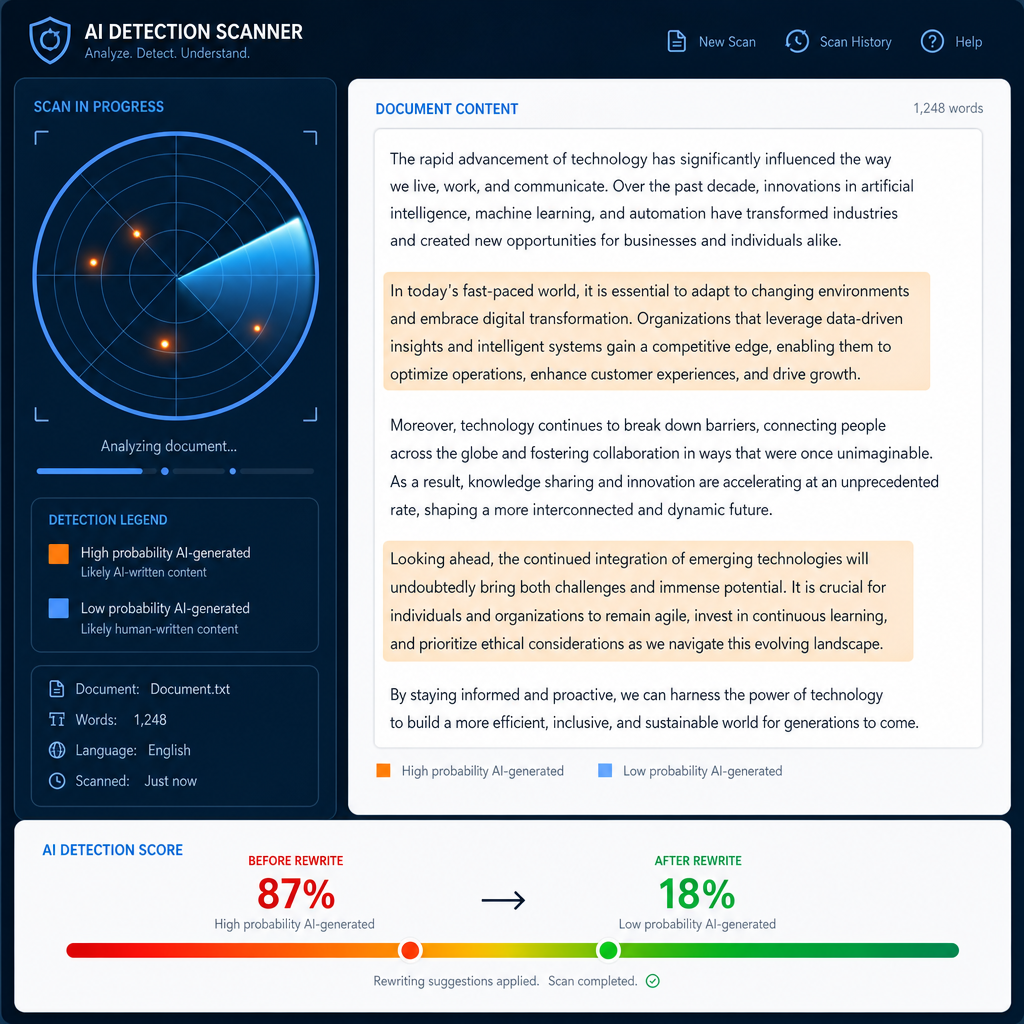
This step makes most bloggers uncomfortable. It shouldn't. Running an AI detection check isn't about hiding that you used AI, but about knowing whether your content passes the phrasing tests that readers unconsciously apply when something feels 'off.'
Detectors work by identifying statistical patterns: predictable sentence structure, low perplexity scores, and transitions that appear at consistent intervals. High-quality human writing is more variable. The detector check tells you where your draft is still too uniform.
- AI Detector: Runs a detection pass and highlights the specific sections that flag as AI-generated. Use the flagged sections as your editing priority list… and not as a reason to discard the whole draft.
- Bypass AI: Rewrites flagged passages to reduce predictable phrasing patterns. Most effective when used on specific flagged sections rather than the entire draft.
- AI Originality Checker: Checks whether the content has enough originality signals to stand out from other AI-assisted content on the same topic.
Step 4: Check for Plagiarism
AI models are trained on published content and will sometimes reproduce close paraphrases of source material without flagging it. This isn't plagiarism in the legal sense, but a plagiarism checker catches near-duplicate passages that could hurt your SEO or credibility.
Need a SEO fix? Check out this guide on how to optimize AI content for SEO.
Run this check after humanizing; not before. Rewriting the content first reduces the chance of flagging paraphrases as plagiarism when they were already reworded.
- Plagiarism Checker: Cross-references your draft against published content. Flags passages that need additional rewriting before the content goes live.
Step 5: Final Formatting Pass Before Your CMS
After writing cleanup is complete, do one final structural check before copying into your publishing platform.
Confirm: one H1, logical H2 hierarchy, no skipped heading levels, clean paragraph breaks, and any lists formatted consistently.
Then, paste into your CMS using 'paste as plain text' if available, then reapply formatting inside the editor. This prevents your editor from inheriting any residual formatting from the previous steps.
If you’re looking to derive more from one piece of content, make sure to check out my other blog on how to repurpose a blog post with AI.
The Full Cleanup Workflow at a Glance
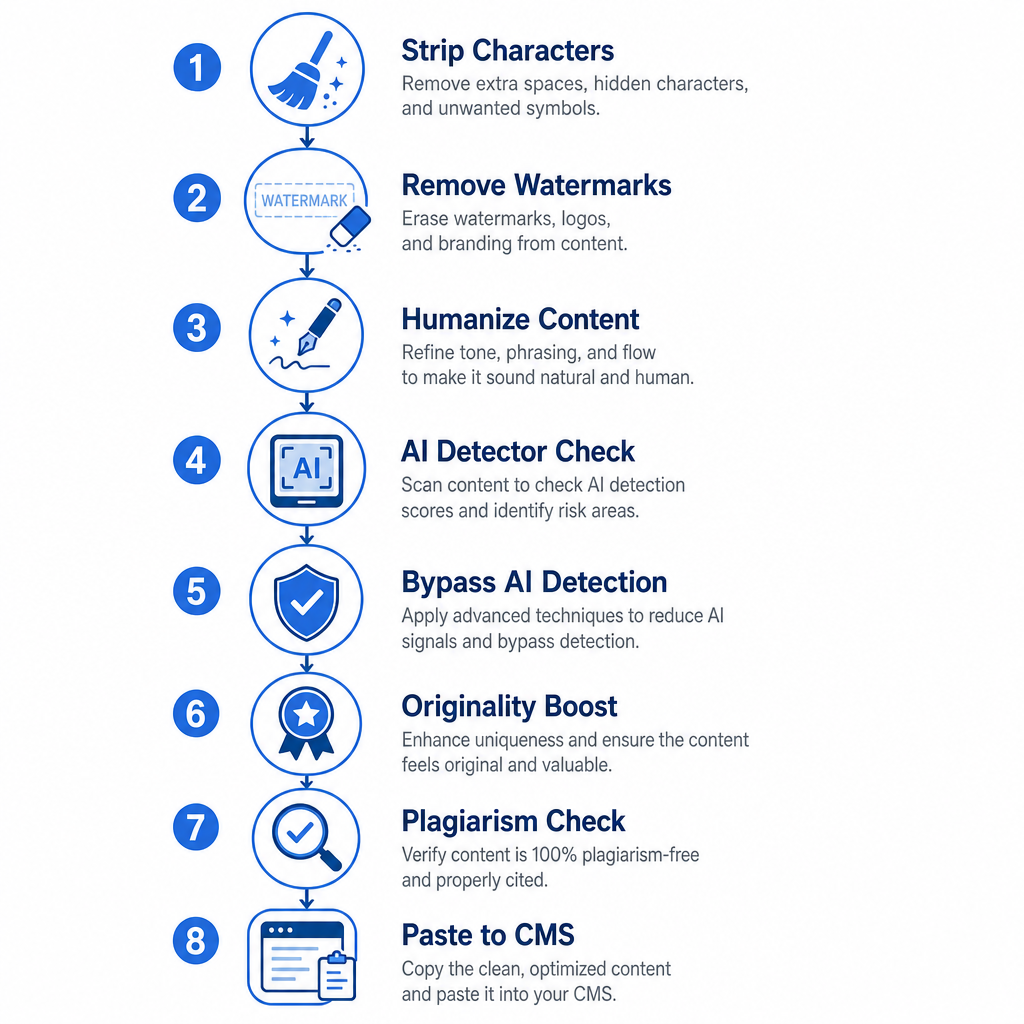
- Invisible Character Detector + Space Remover + Remove Line Breaks to strip hidden characters
- Chat Watermark Remover + Em Dash Remover to remove formatting tells
- Humanize AI + Rewrite AI to fix tone and structure
- AI Detector to identify flagged sections
- Bypass AI to rewrite flagged passages
- AI Originality Checker to verify originality signals
- Plagiarism Checker for final uniqueness check
- Paste as plain text into CMS to reapply formatting
The whole sequence takes 8-12 minutes on a standard 1,500-word post once you've run it a few times. Build it into your publishing checklist and it becomes invisible overhead. This is the kind of setup that makes the difference between content that ranks and content that stalls.
If you want to see how this fits into a full content production system, my AI stack for bloggers guide covers every stage from drafting through publishing.
Frequently Asked Questions
Do I need to clean up AI content before publishing?
Yes. Raw AI output contains invisible Unicode characters, non-standard spacing, and predictable phrasing patterns that cause CMS rendering issues and make content feel robotic to readers. A five-step cleanup workflow, covering formatting, humanization, detection, and plagiarism, resolves all of these before your content goes live.
What is the right order to clean up an AI draft?
Start with formatting cleanup (invisible characters, spacing, line breaks), then fix tone and phrasing with a humanizer, then run an AI detection check, then check for plagiarism, then do a final structural pass before pasting into your CMS. Doing these steps out of order creates more problems than it solves.
Does cleaning AI content remove the AI detection flag?
Running a humanizer and then using the AI Detector to identify remaining flagged sections, followed by targeted rewrites using Bypass AI, significantly reduces detection scores on most major detectors. The goal isn't to 'beat' detectors but to improve phrasing variety so the content reads naturally.
What are invisible characters in AI text?
Invisible characters are Unicode characters that AI models insert during text generation, including zero-width spaces, non-breaking spaces, and formatting metadata. They're not visible in most editors but cause layout issues, broken spacing, and rendering problems when content is published to a CMS.
How long does AI content cleanup take?
A standard 1,500-word post takes 8-12 minutes to clean using a dedicated workflow. The first few times take longer while you build the habit, but the sequence becomes fast once it's part of your publishing checklist.
About the Author
Bishal is a senior SEO strategist, content researcher, and AI automation expert. He builds technical SEO strategies and custom n8n workflows for AI-native agencies. He also focuses on Generative Engine Optimization (GEO) to help brands adapt and dominate in today's AI-driven search landscape.